How to Apply for NSS in Ghana: A Complete Guide for Graduates
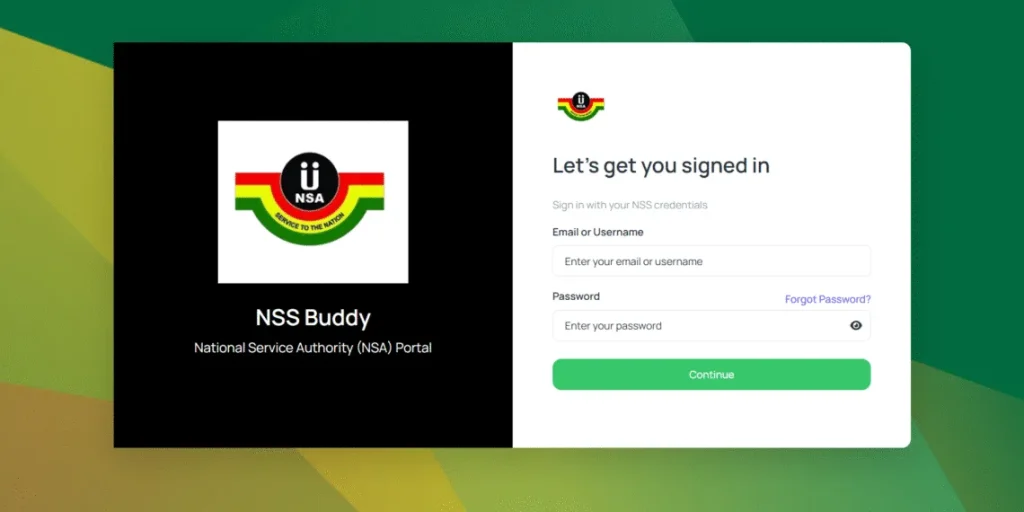
How to Apply for NSS in Ghana
The National Service Scheme (NSS) is a mandatory one-year service program for graduates from accredited tertiary institutions in Ghana. It aims to equip graduates with practical work experience while contributing to national development.
If you are a fresh graduate, this guide explains the complete application process.
What is NSS?
The National Service Scheme allows graduates to work in:
- Government institutions
- Schools and universities
- Hospitals
- Banks
- Private companies
- NGOs
- District Assemblies
The service period is usually one year.
Step 1: Confirm that Your Name Has Been Uploaded
Your institution first submits the names of eligible graduates to NSS.
Before anything else:
- Check whether your name appears on the NSS portal.
- Verify that your details are correct.
Important information includes:
- Full name
- Index number
- Date of birth
- Institution name
- Program studied
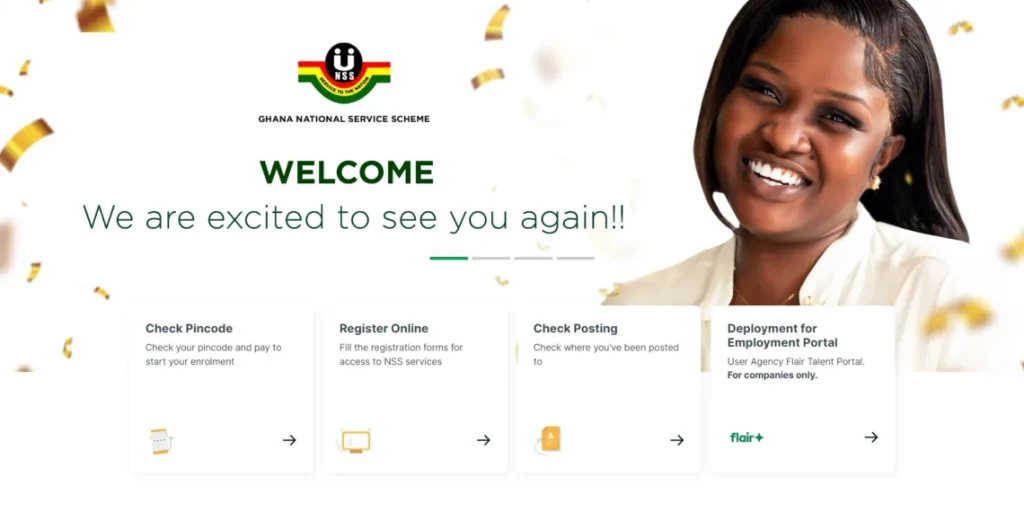
Step 2: Obtain Your NSS PIN Code
After your details are uploaded:
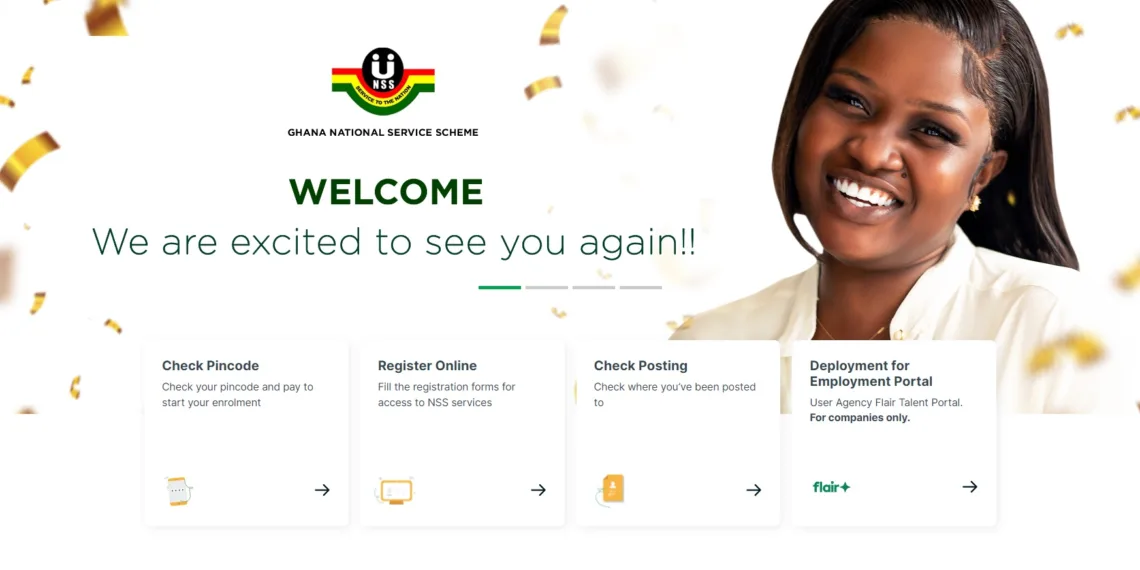
- Visit the NSS portal.
- Search for your details.
- Obtain your PIN code.
- Keep the PIN safely.
You will need it for registration.
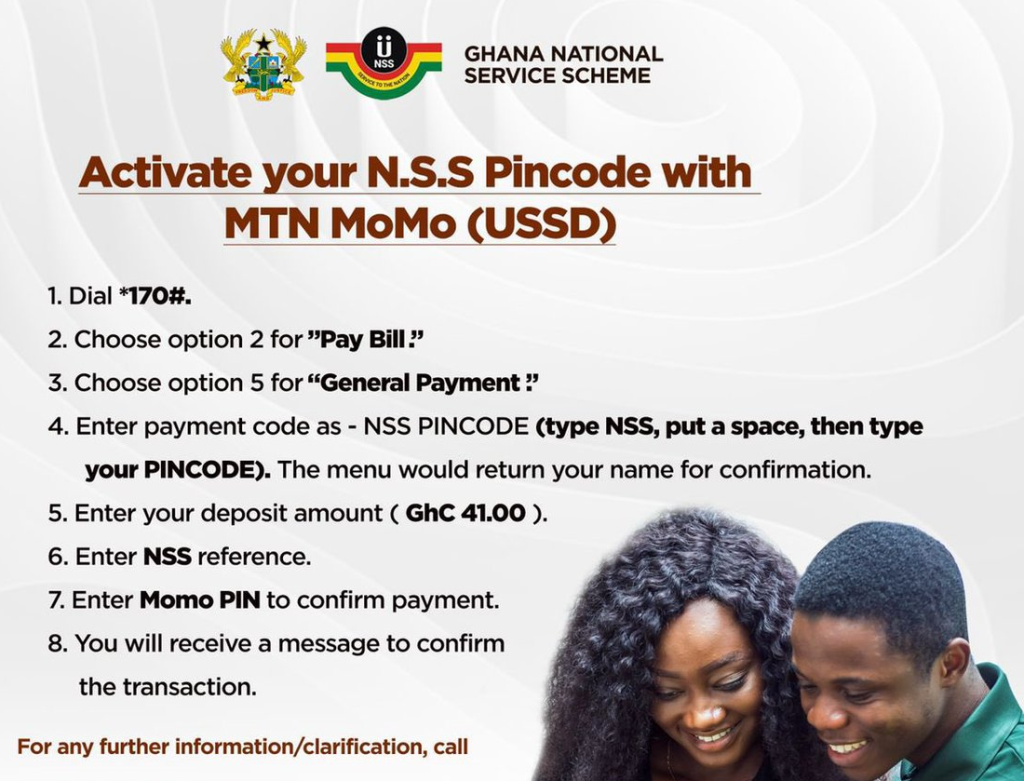
Step 3: Make the Registration Payment
Depending on the current NSS requirements:
- Pay the registration fee through the approved payment channels.
- Keep the receipt or confirmation message.
Step 4: Complete Online Registration
Log in to the NSS portal and fill in:
Personal Information
- Full name
- Date of birth
- Gender
- Mobile number
- Email address
Educational Information
- Institution attended
- Program of study
- Year of graduation
Residential Information
- Home address
- Region
- District
Double-check all information before submission.
Step 5: Upload Your Photograph
You may be required to upload:
- A recent passport-sized photograph.
- Clear image with a plain background.
- Correct file size according to NSS specifications.
Step 6: Submit and Print Your Registration
After completing the form:
- Submit your application.
- Print your registration slip.
- Keep both digital and printed copies.
This document may be required later.
Step 7: Wait for NSS Posting
After registration, NSS releases postings showing:
- Place of service
- Region
- Institution
- Reporting date
Examples of posting places include:
- Schools
- Hospitals
- Ministries
- Banks
- District Assemblies
Step 8: Check Your Posting
When postings are released:
- Visit the NSS portal.
- Log in.
- Check your place of posting.
- Print your appointment letter.
Step 9: Complete Validation
After reporting to your place of service:
You may be required to:
- Present your appointment letter.
- Present your Ghana Card.
- Complete validation.
- Sign the necessary documents.
Failure to validate may affect your monthly allowance.
Step 10: Begin Your National Service
Once validation is complete:
You officially begin your one-year national service.
During this period:
- Attend work regularly.
- Submit monthly evaluations if required.
- Follow the regulations of your institution.